
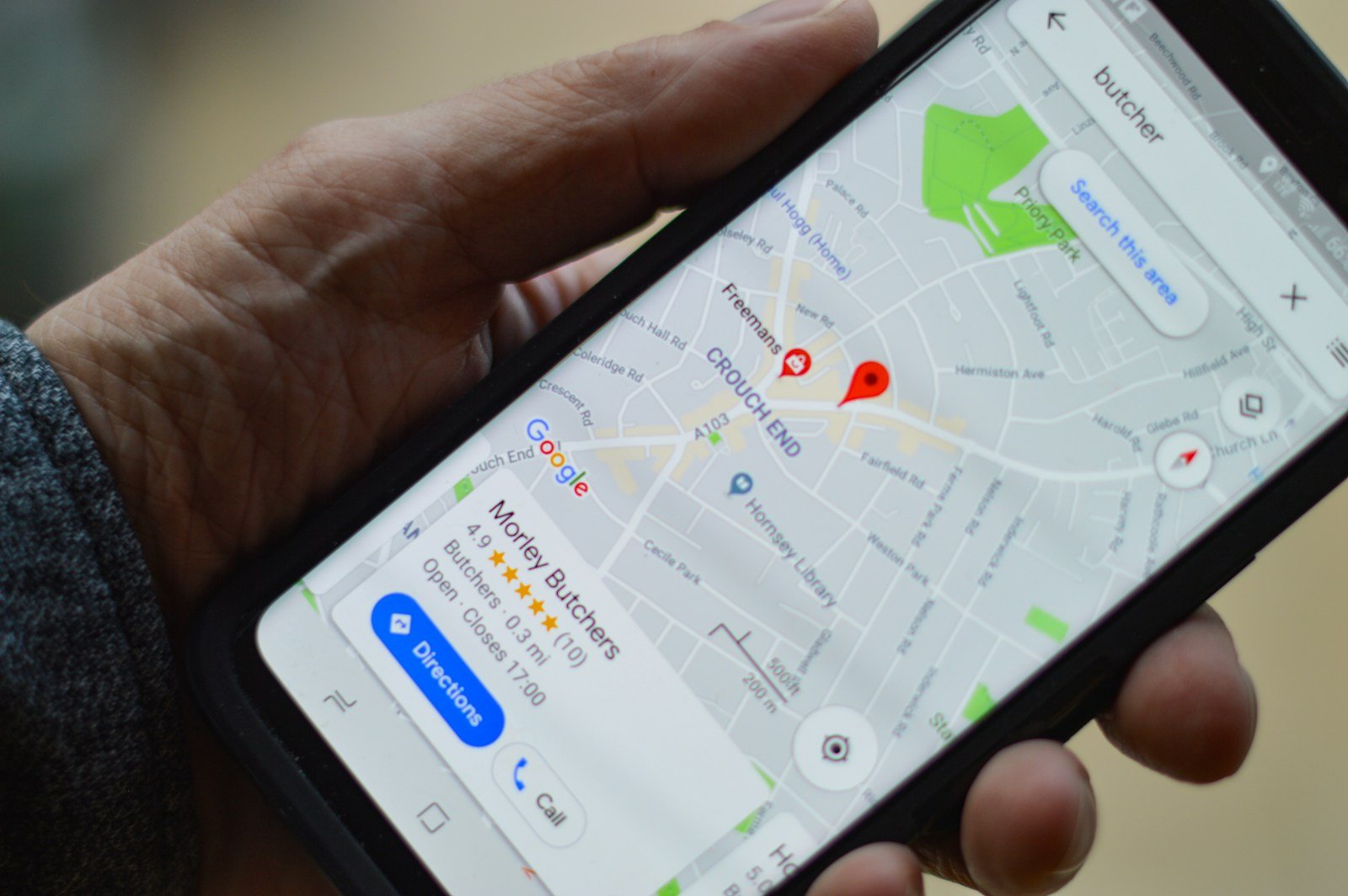
When someone in your city searches for “gym near me”, “property dealer in Amritsar” or “best boutique nearby”, the first thing they usually see is not a website. It is a map with a short list of business listings. Those listings come from Google Business Profile, and for most local businesses they bring more calls, direction requests and walk-ins than any other free channel.
Key takeaways
- Google ranks local listings mainly on relevance, distance and prominence. You cannot pay for a better local ranking.
- A complete, accurate profile with the right category does most of the work.
- Reviews matter, but buying or incentivising them can get your listing restricted.
- Keep the profile active: photos, posts, hours and replies to reviews.
A well-optimised profile does not need a big budget. It needs complete information, steady activity and a clear understanding of Google’s rules. This checklist walks you through all three.
How Google decides which businesses show up
Google’s help documentation says local results are based mainly on three factors. Here is what each one means for you:
| Factor | What it means | What you can control |
|---|---|---|
| Relevance | How well your profile matches what the person searched for | Complete, accurate details and the right category |
| Distance | How far your business is from the searcher or the place they searched for | Nothing, beyond a correct address or service area |
| Prominence | How well known your business is, including reviews and links to your website | Genuine reviews, an active profile and a good website |
Google also states that there is no way to request or pay for a better local ranking. Be cautious of anyone who promises “guaranteed top 3 on Maps”.
Step 1: Claim and verify your profile
Verification proves to Google that you are authorised to manage the listing, and verified businesses are more likely to appear in local results. Search for your business on Google Maps first. If a listing already exists (customers sometimes create one), claim it instead of creating a duplicate. Google allows only one profile per location, so duplicates should be merged or removed.
Step 2: Get the core details exactly right
Business name
Use your real-world name, exactly as it appears on your signboard, invoices and website. Google’s guidelines do not allow adding taglines, keywords, locations, phone numbers or offers to the name.
| Allowed | Not allowed |
|---|---|
| Sharma Fitness Studio | Sharma Fitness Studio – Best Gym in Amritsar, 50% Off |
| Kaur Boutique | Kaur Boutique | Designer Suits | Call 98xxxxxx |
Keyword-stuffed names are one of the most common reasons listings get flagged or suspended.
Address or service area
Enter the actual physical address where customers can visit. P.O. boxes and mailing addresses where you do not actually work are not eligible. If you serve customers at their location (for example interior designers, plumbers or home tutors), set up a service area and hide your address instead.
Phone number and website
Use a number that connects directly to your business, not a call centre or a number that forwards elsewhere. Your website link should point to your own site, not a social media page. For multi-location businesses, link each profile to that branch’s page.
Hours
Add regular hours and keep special hours updated for festivals and holidays such as Diwali or Gurpurab. Nothing loses a customer faster than driving to a shop that Google said was open.
Step 3: Choose categories carefully
Categories have a big influence on which searches you appear for. Google recommends choosing as few categories as possible, as specific as possible, to describe your core business. A useful test is to complete the sentence “This business is a…” rather than “This business has a…”. A salon that sells hair products is a “Beauty salon”, not a “Cosmetics store”. Do not add categories just to target extra keywords.
Step 4: Complete everything else
- Business description: explain what you do, who you serve and what makes you different, in plain language. Google does not allow links, prices or promotional gimmicks in the description.
- Attributes: add the ones that apply, such as wheelchair access, parking or Wi-Fi.
- Services and products: list your main services with short descriptions. Retail businesses in eligible regions can also show in-store products.
- Opening date, social profiles and booking links where available.
Each completed section gives Google more information to match your profile with relevant searches.
Step 5: Add real photos and videos
Google encourages businesses to add photos and videos that show what they offer. Use real images of your own business, not stock photos:
| Business type | Photos that help customers decide |
|---|---|
| Any shop or office | Storefront from the street, interior, your team at work |
| Real estate | Site photos and short walkthrough videos |
| Gyms and fitness studios | Equipment, classes and changing areas |
| Restaurants and cafes | Dishes, seating and the entrance |
Add new photos regularly rather than uploading everything once. Short, well-edited videos help too; see our video editing services if you need help with them.
Step 6: Build reviews the right way
Reviews influence both prominence and a customer’s decision to call you. Google says that more reviews and positive ratings can help your ranking, and that replying to reviews shows customers you value their feedback.
What works
- Ask every customer for a review, not just the happy ones. Share your review link on invoices, WhatsApp follow-ups and email.
- Reply to every review, positive or negative, within a few days. Keep replies polite, specific and short.
- Use negative reviews as feedback. A calm, helpful reply often impresses future customers more than a perfect rating.
What gets you into trouble
Google’s Maps content policies prohibit several practices that are still common:
- Offering discounts, cashback, gifts or payment in exchange for reviews
- Asking only satisfied customers for reviews while avoiding unhappy ones
- Asking staff, family or friends to review your business
- Buying reviews or using multiple accounts
- Pushing customers to write a review on the spot or telling them what to write
Google can remove these reviews and restrict the profile, so the short-term boost is not worth the risk.
Step 7: Stay active
A profile that is updated regularly signals that the business is active. Simple habits that help:
- Publish posts about offers, events, new arrivals or project updates
- Answer questions customers ask on your profile
- Update hours, services and photos whenever something changes
- Check the performance section monthly to see calls, direction requests and the searches that found you
Step 8: Connect your profile with your website
Your profile and your website support each other. Make sure your business name, address and phone number are identical on both, and that your website clearly explains your services and location. A fast, mobile-friendly website with useful local content also supports the prominence signals Google looks at. If your website needs work, our website development team can help, and our SEO services cover both on-site and local SEO.
Common mistakes to avoid
- Adding keywords or city names to the business name
- Creating multiple profiles for the same location
- Using a virtual office or rented mailing address where you do not actually operate
- Leaving hours outdated during holidays
- Ignoring negative reviews
- Setting it up once and never updating it again
Quick checklist
- Profile claimed and verified
- Real business name with no extra keywords
- Correct address or service area
- Direct phone number and own website link
- Regular and holiday hours updated
- Specific primary category, few additional categories
- Description, attributes and services completed
- Real photos and videos added regularly
- Review requests sent to all customers; every review answered
- Posts and Q&A updated at least monthly
Frequently asked questions
Is Google Business Profile free?
Yes. Creating and managing a Google Business Profile is free. Google also states that you cannot pay for a better local ranking.
Can I add my city name to my business name to rank better?
No. Google’s guidelines say the name should match your real-world name. Adding locations or keywords breaks the guidelines and can get the listing suspended.
I work from home and visit customers. Can I still have a profile?
Yes. Set up a service area and hide your home address, so customers see the areas you serve rather than where you live.
Need help with local SEO?
Growth Flow Media is a digital marketing agency in Amritsar working with businesses across Punjab. We help local businesses set up and optimise their Google Business Profile alongside their website, social media and lead generation. If you would like us to review your listing, ask for a quote and tell us about your business.
Sources: Google Business Profile Help, Tips to improve your local ranking on Google and Guidelines for representing your business on Google; Google Maps Prohibited and restricted content policy.